
Resources
Access and download our latest support materials and guides, Razeek has got you covered from installation to troubleshooting.
Insight from Rayzeek
The latest sensor tech trends.
-
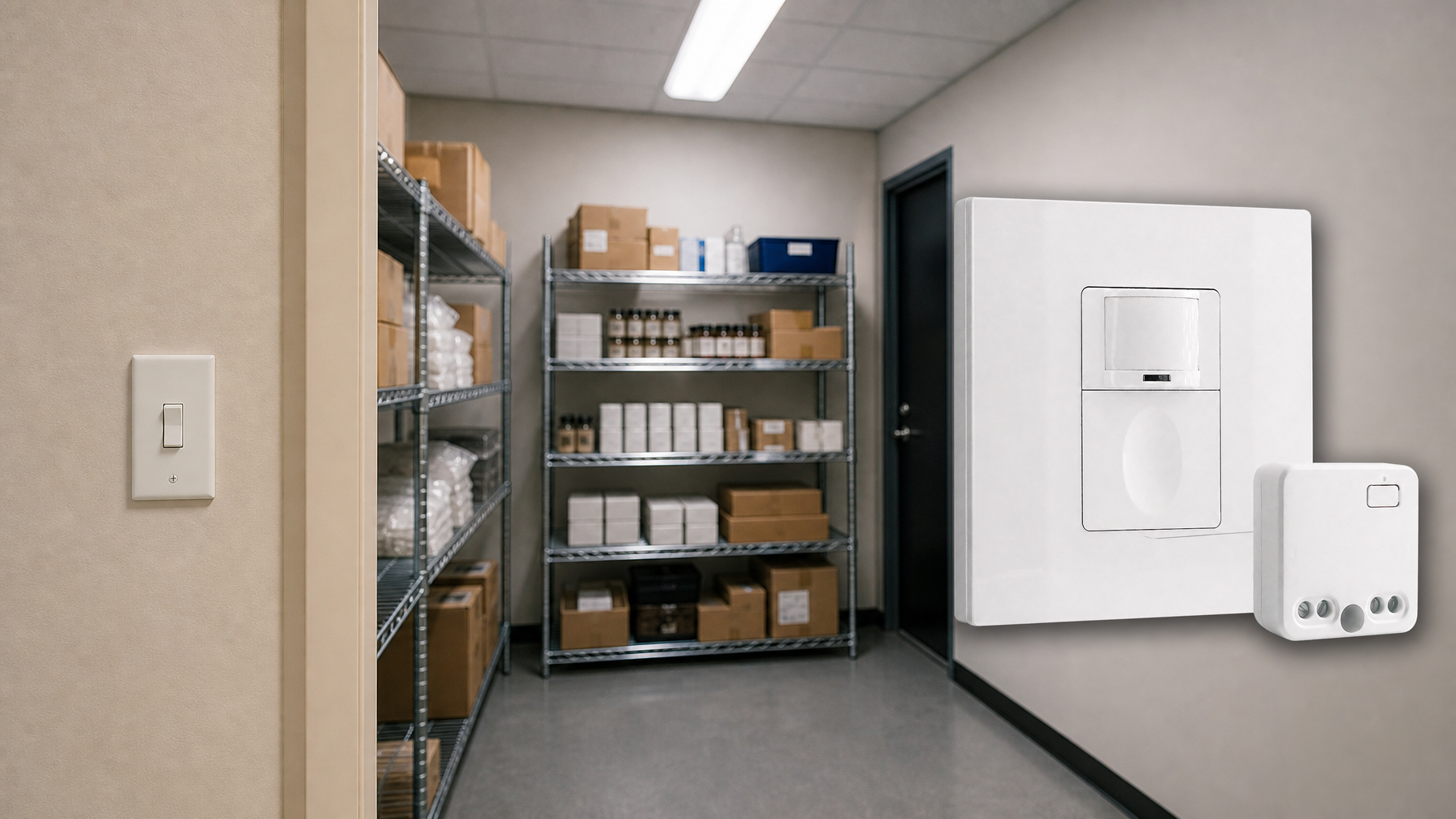
When the Switch Is in the Wrong Place: Rayzeek Wireless Kits for Retrofit Lighting
Doesn\’t find what you want? Don\’t worry. There are always alternate ways to solve your problems. Maybe one of our portfolios can help.<div class = "insert_
-
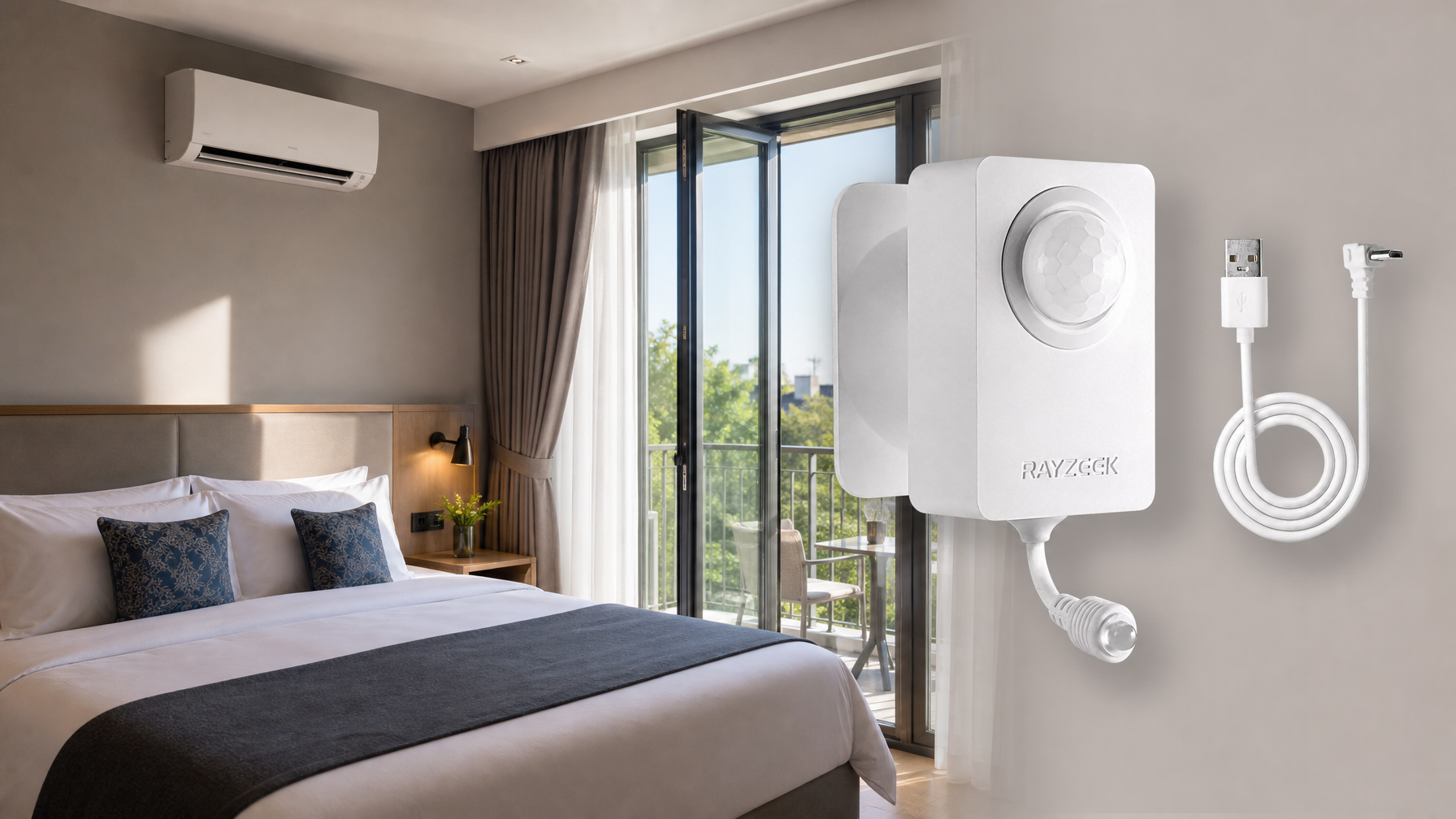
Boutique Hotel AC Control: Save Energy Without Creating Guest Complaints
Contact us for complete PIR motion sensors, motion-activated energy-saving products, motion sensor switches, and Occupancy/Vacancy commercial solutions.Send an Email<div class = "insert_inquiry_button_wrap
-
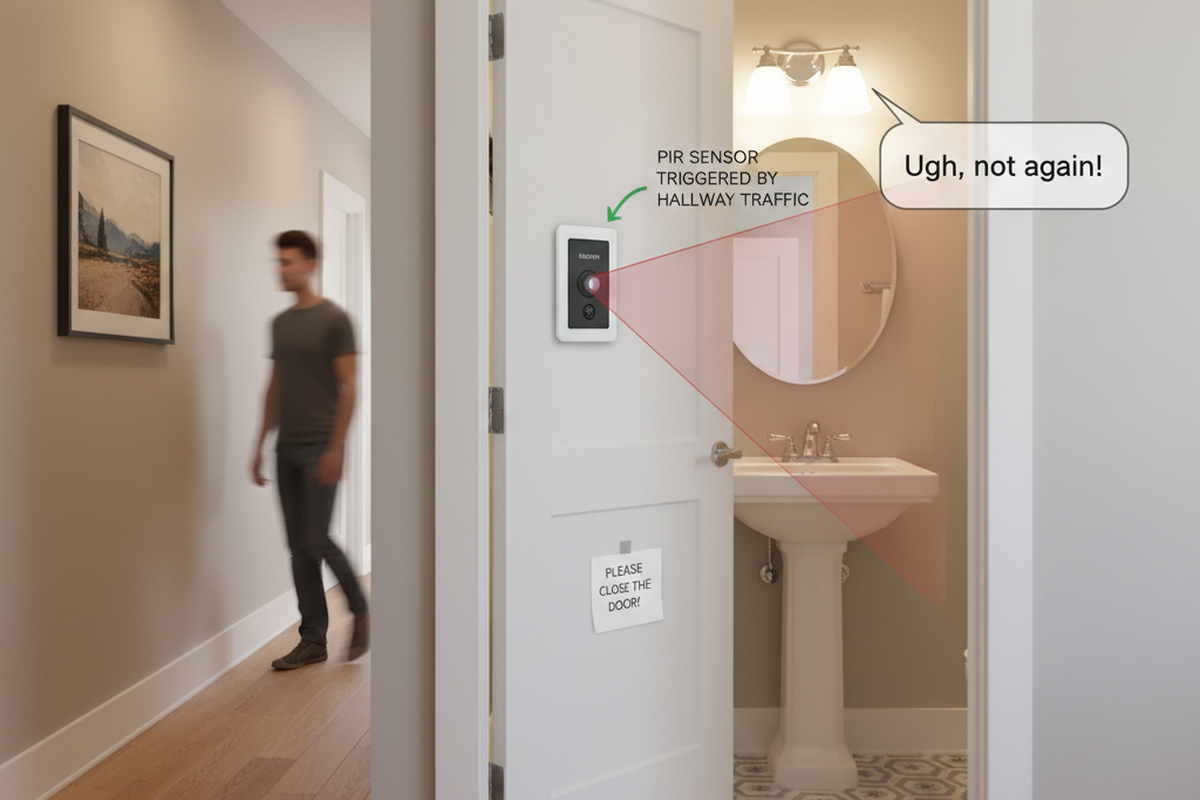
Bathroom Occupancy Switch Turning On From the Hallway? Treat the Door as the Spec
If your bathroom occupancy switch turns on from hallway traffic, the problem is usually an open door creating a line-of-sight slice. Use a quick walk test, then aim…
-
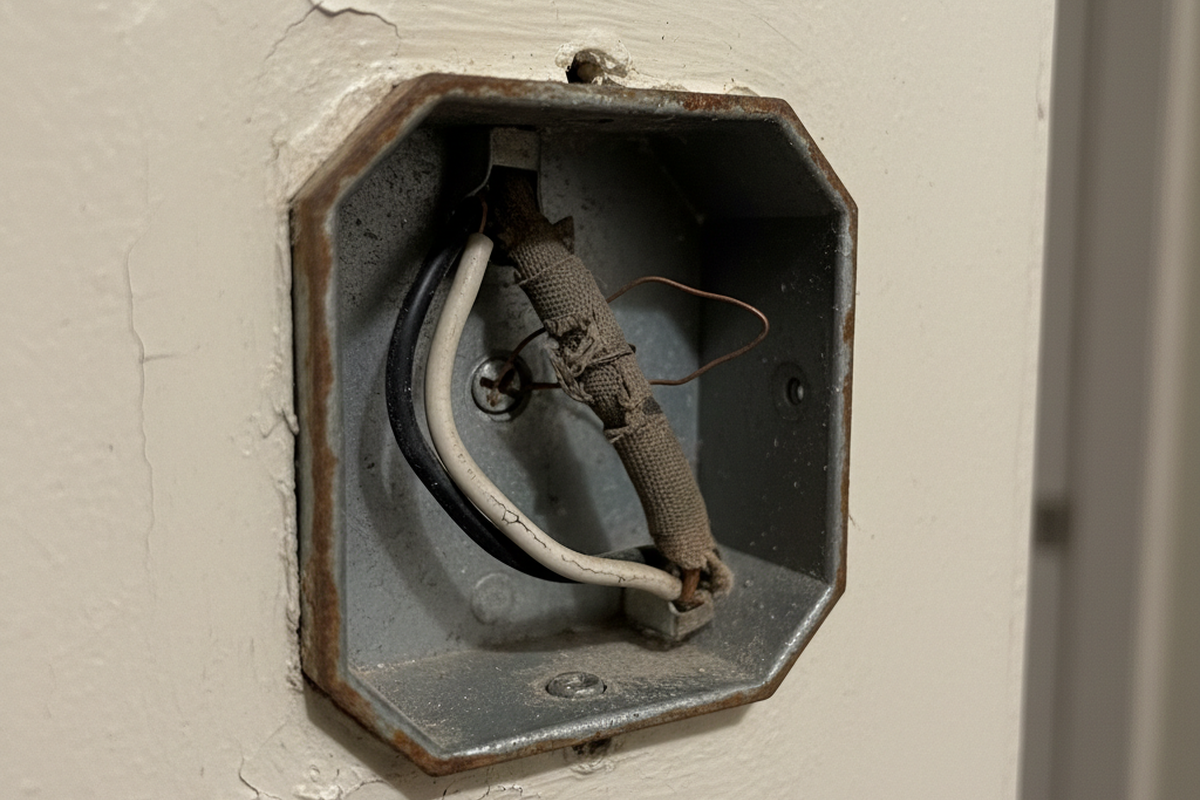
Rayzeek PIR Sensor Switches in Older Homes With No Neutral: What Works (and What to Avoid)
Older homes often lack a neutral in the wall box, and that wiring reality determines whether a PIR sensor switch will be stable or glitchy with LEDs. This…
-
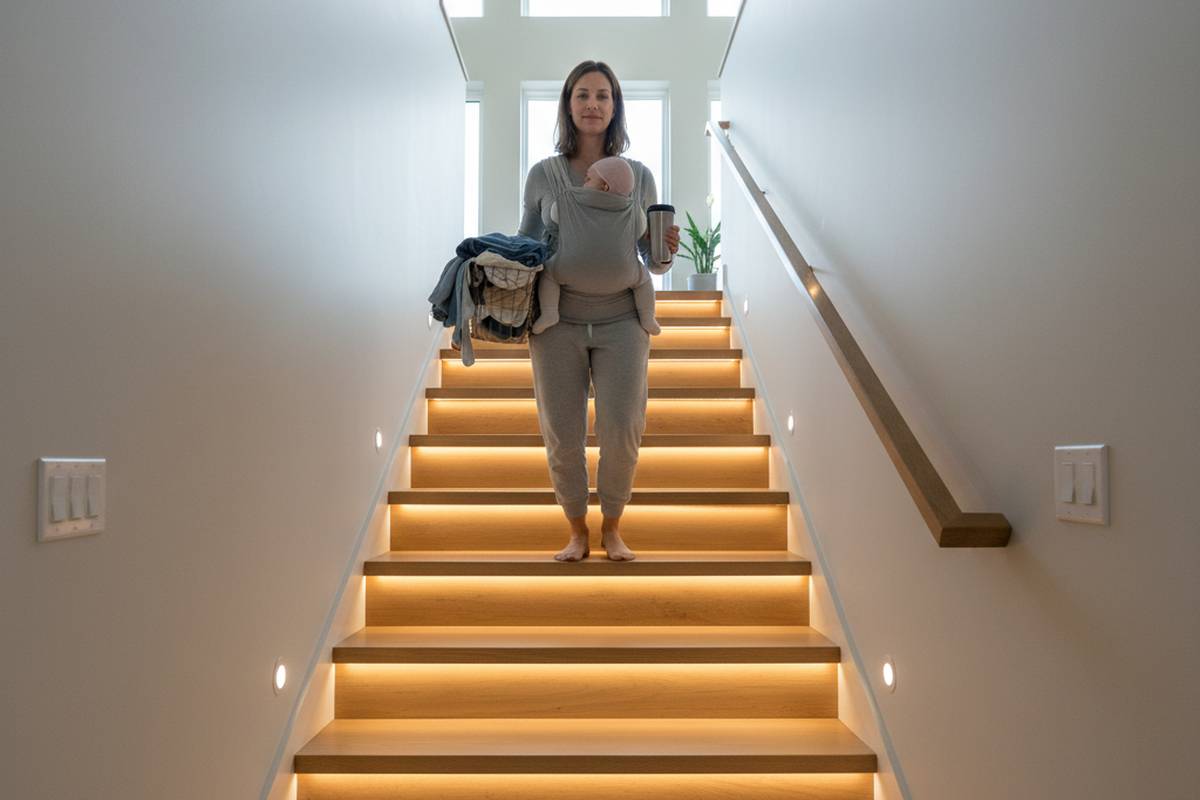
Multi‑Location Stair Motion Control With Rayzeek PIR Switches: How to Make It Feel Like a Normal 3‑Way
Make multi-location stair lighting feel like a normal 3-way using Rayzeek PIR switches. Learn placement, the one-decider principle, safe timeout tuning, and a walk-test protocol that prevents flicker…
-
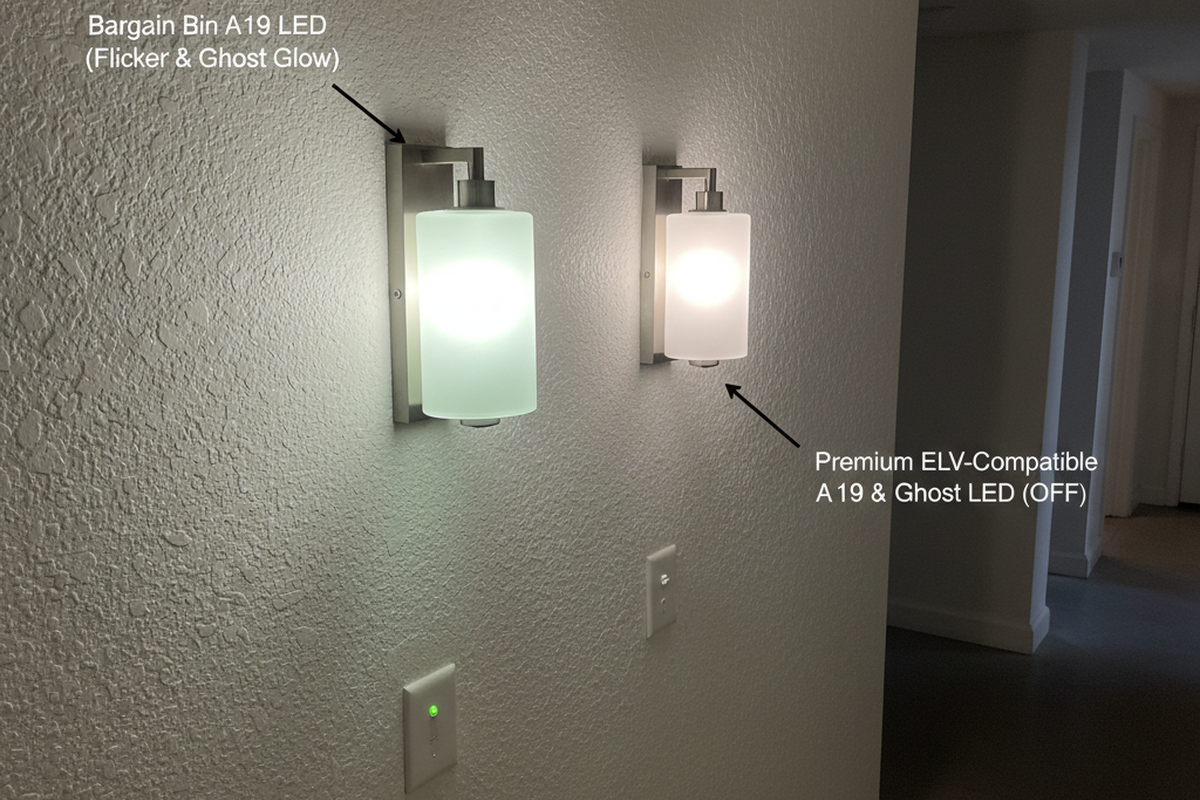
Rayzeek Motion Sensor Switch + LEDs: A Field Guide to Flicker, Ghost Glow, and “Random” Shutoffs
LEDs that glow when off, flicker at timeout, or shut off “randomly” usually aren’t a bad switch. This field guide shows how to name the symptom, run one-change…


